DISH hopper, tv and alexa

Enjoy Hands-Free TVā„¢ with the DISH Hopper and AmazonĀ® Alexa

Add ā€œcontrolling my DISH Hopperā€ to the growing list of what Amazon Alexa can do for your smart home.

Se habla EspaƱol.

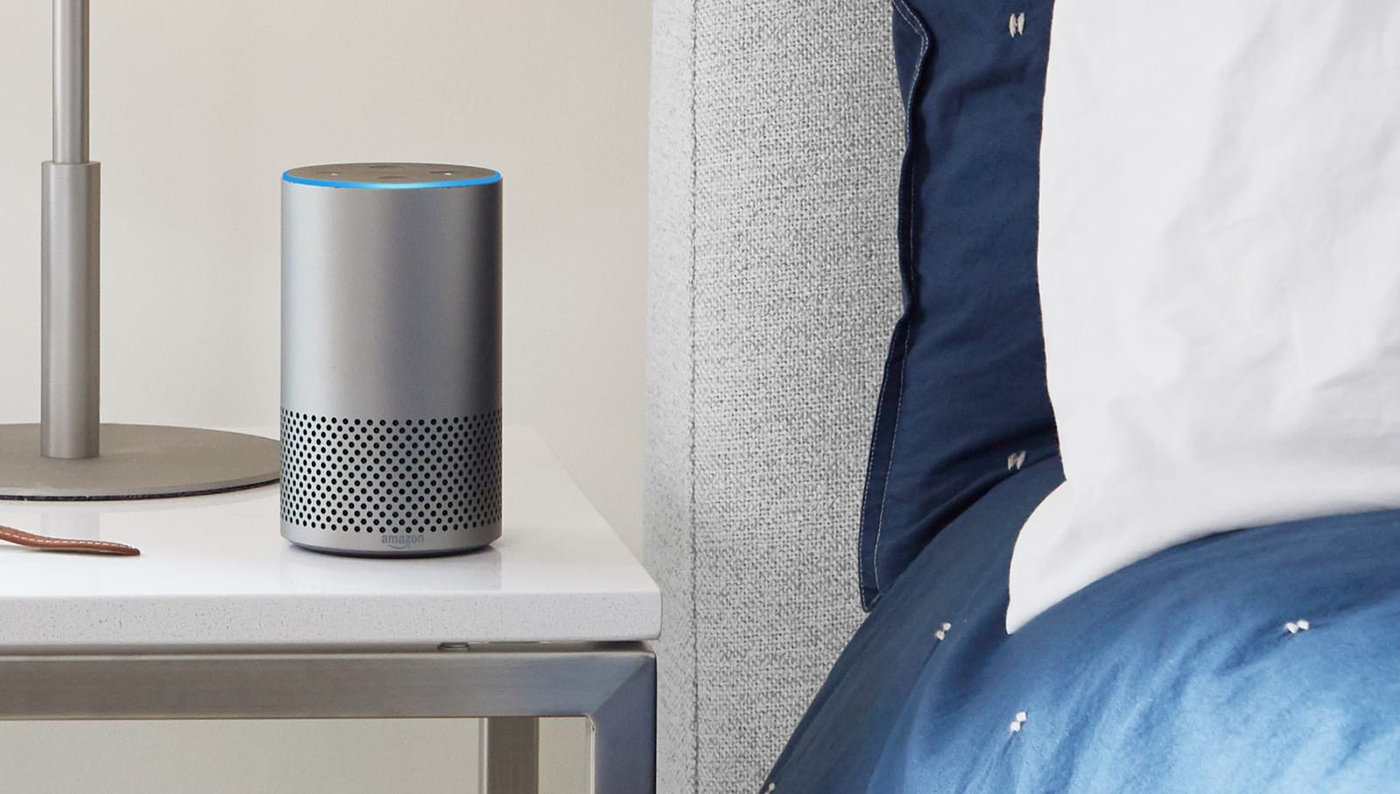
Amazon Alexa on nightstand

Meet Amazon Alexa

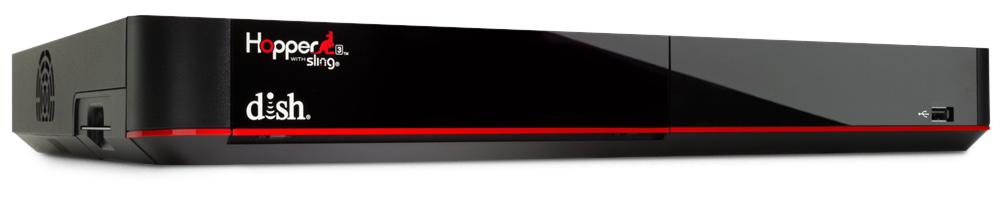
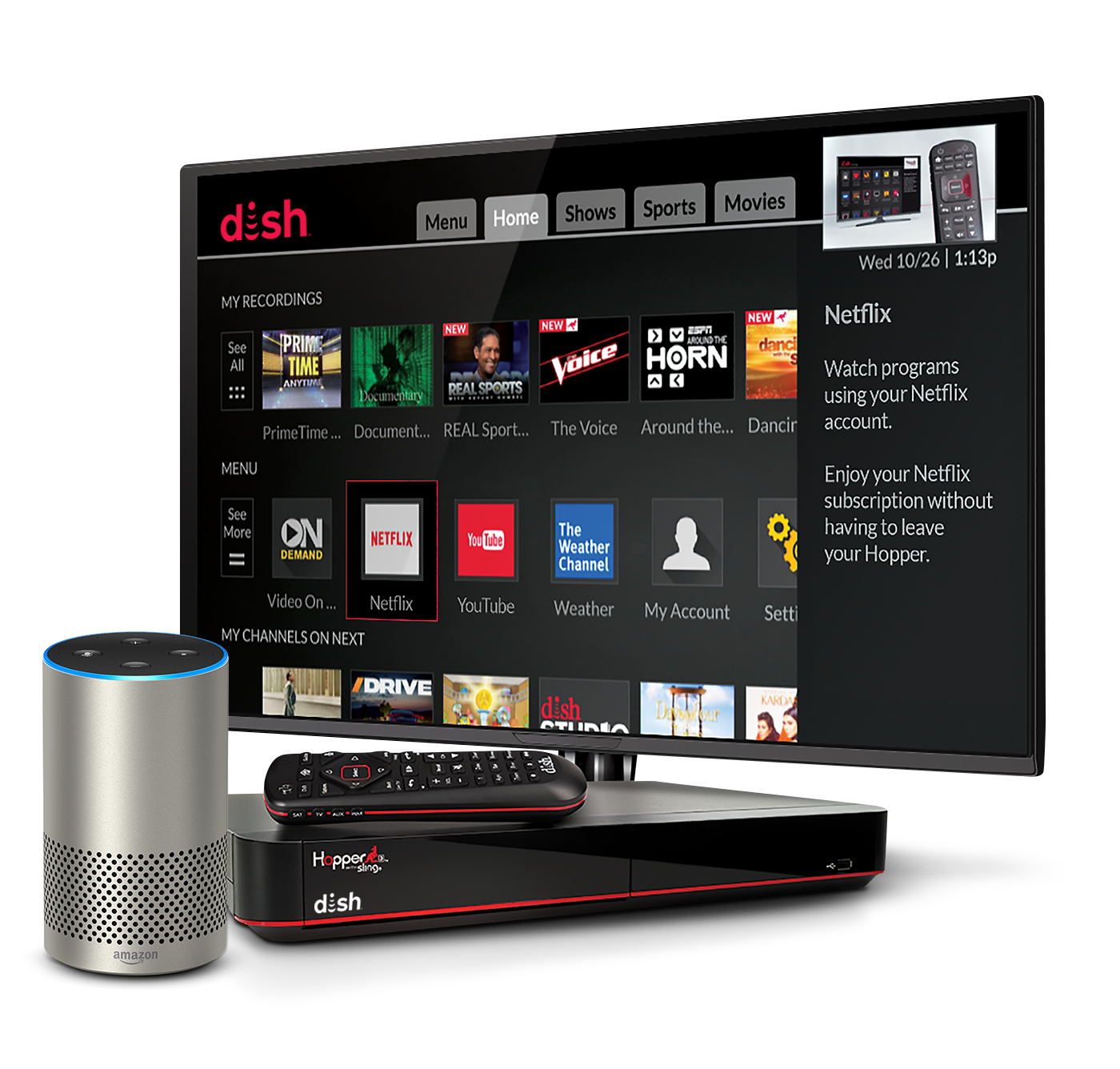
Amazon Alexa has thousands of Alexa skills to assist in your daily tasks and give you more control over your smart home. With its new link to the DISH HopperĀ® 3, Amazon Alexa now helps you control our most powerful DVR with just your voice, so watching TV is more intuitive and relaxing.

Alexa integration requires internet-connected HopperĀ®, JoeyĀ®, Wallyā„¢, and any Amazon Alexa-enabled device. Amazon, Alexa, and all related logos are trademarks of Amazon.com, Inc., or its affiliates

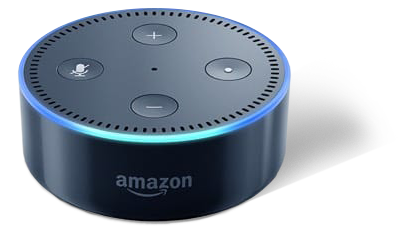
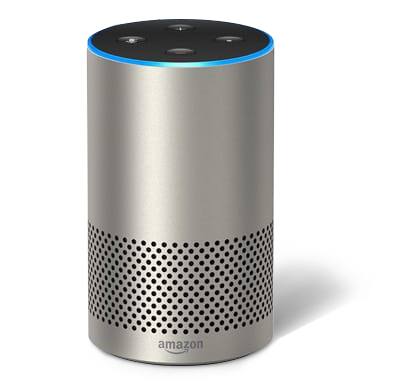
Which Alexa-Enabled Devices Can I Use to Watch TV with DISH?

Couple looking at tablet

How to Pair Amazon Alexa with your DISH Hopper

  1. Download the Amazon Alexa App and navigate toĀ Menu > Find Music, Video & Books > TV > DISH TV. Enter your password.
  2. On your Hopper 3 receiver, navigate toĀ Menu > Settings > Amazon Alexa. HitĀ Get CodeĀ to see a pairing code displayed on your TV screen.
  3. In the Amazon Alexa app, enter the pairing code and hitĀ Activate. Then hitĀ DoneĀ and wait for the app to find discoverable devices.
  4. In the Amazon Alexa app, select your Hopper from the list of discoverable devices and hitĀ Continue. Then select the Amazon Echo, Echo Dot, or Tap you want to pair and hitĀ Link Devices.
  5. You’re done! Start controlling your TV with your voice.

Laptop

Stay in the Loop

Find deals and get special offers now!

By providing your email address, you hereby consent to receiving emails from USDISH.com.

By providing your email address, you hereby consent to receiving emails from USDISH.com.