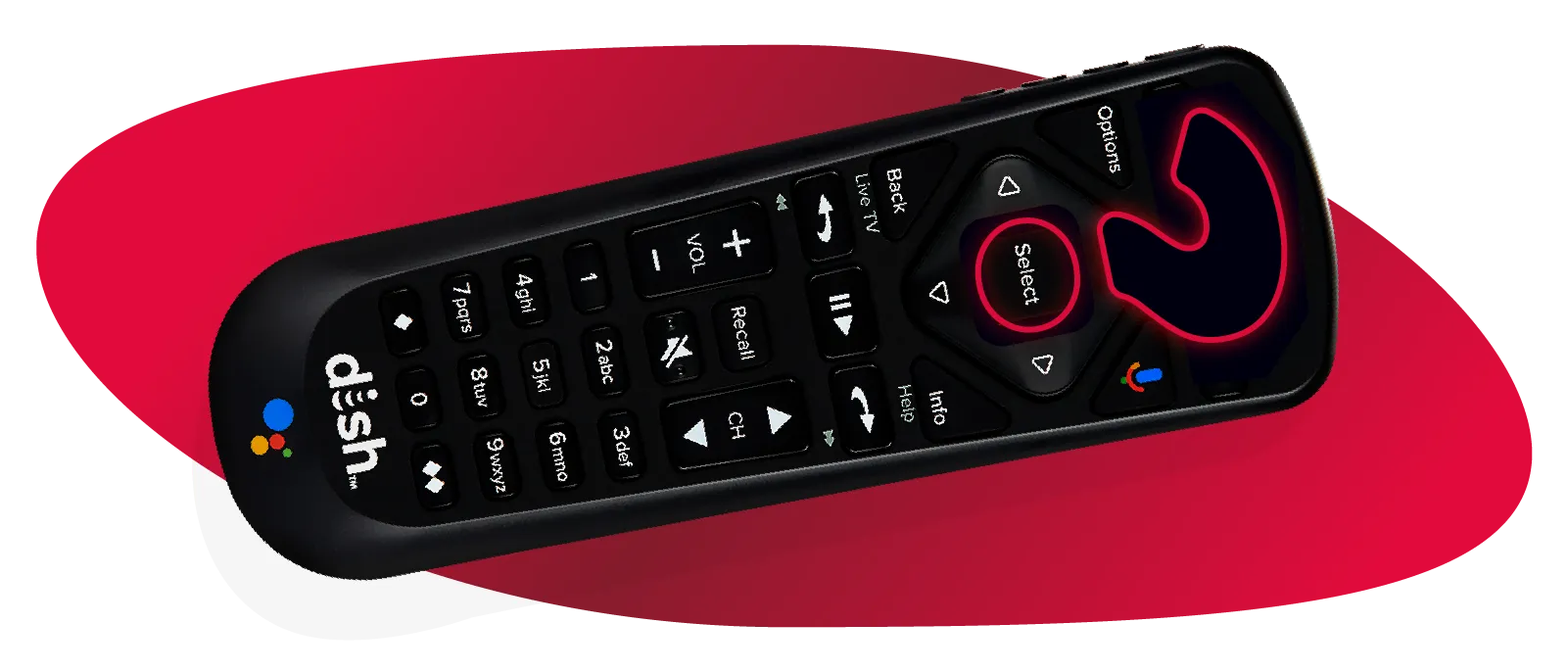
Why does my DISH remote turn the TV on but won't change channels?
If your remote powers on the television but won't change satellite channels, the most likely cause is mode confusion.
DISH remotes can control multiple devices, including your TV, receiver, DVD player, soundbar, and audio equipment. When the remote enters TV, AUX, or another device mode, it stops sending channel-change commands to the satellite receiver.
If a DISH remote is in the wrong mode, it won't control the receiver until the SAT button is selected.
The SAT button is one of the most overlooked troubleshooting options and often solves what appears to be a major remote failure.
Symptom | Correct Mode / Fix |
TV turns on, channels won't change | Press SAT |
Volume works, channel buttons don't | Press SAT |
Soundbar responds but receiver doesn't | Press SAT and retest |
Guide button doesn't work | Verify SAT mode |
Receiver ignores all commands | Press SAT, then re-pair if needed |
External devices can sometimes "hijack" the remote's focus. For example, if you've recently adjusted soundbar settings, the remote may still be communicating with the soundbar instead of the DISH receiver.
Whenever a “DISH remote stopped working” complaint involves channel controls, check the SAT button first.